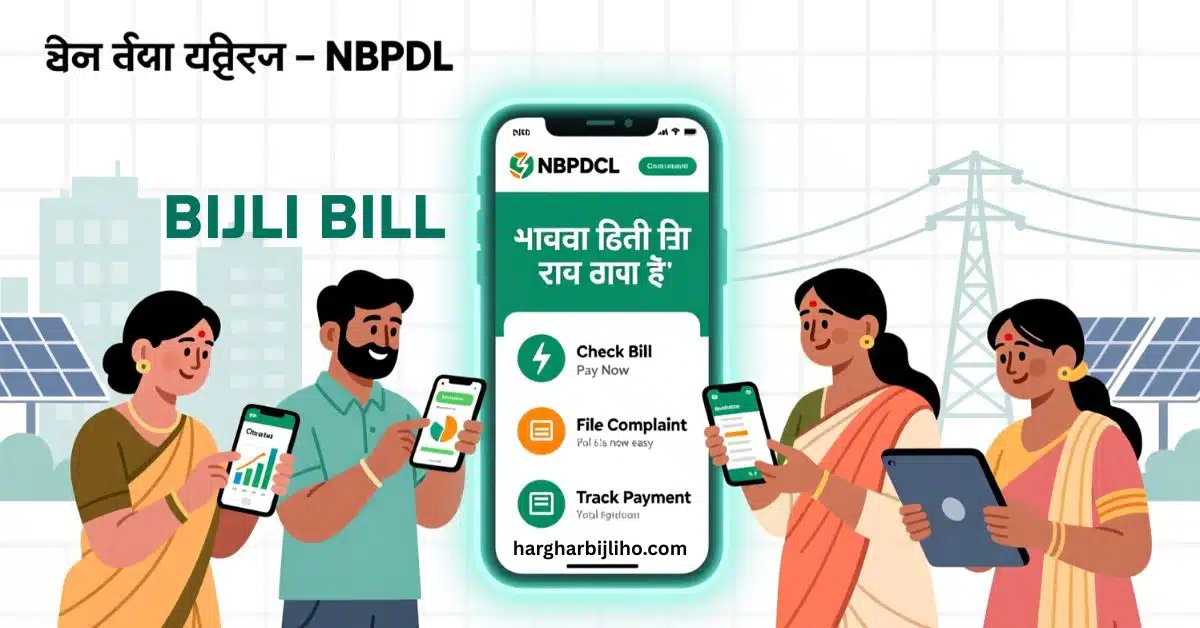
Managing your electricity bill should feel easy. When you know how to use the online tools, you save time and keep your account up to date. North Bihar Power Distribution Company Limited or NBPDCL gives you many digital options. These tools make handling your bijli bill simple and efficient. You can check your charges, pay your bill, and file complaints. You access all these key services easily online. This guide shows you how to take full control of your power use and payments today.
How to Check and Pay Your Electricity Bill Easily
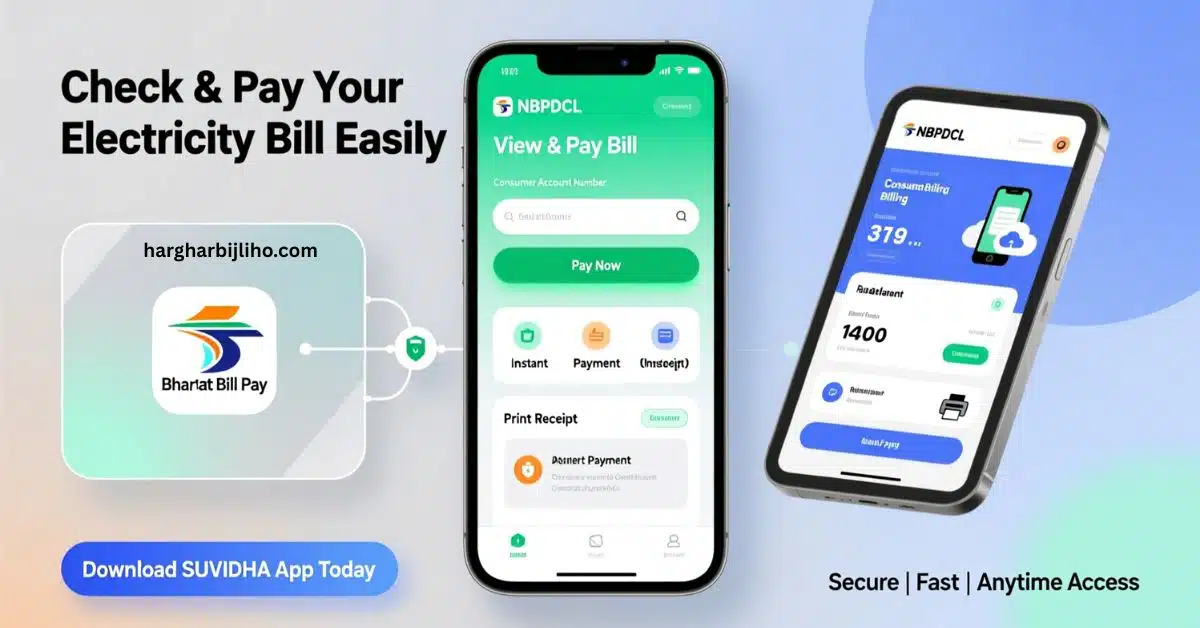
You do not need to wait in long lines anymore to pay your bill. NBPDCL offers fast online solutions. These tools put the ability to pay right into your hands. You can use these services on your computer or mobile phone.
1.1 Fast Ways to Check and Pay Your Bill
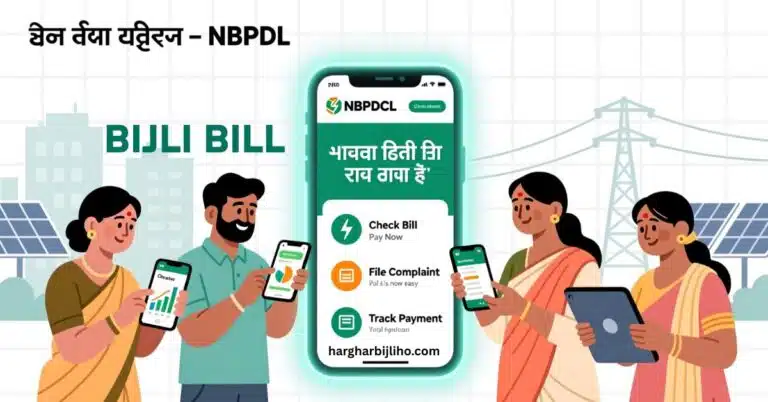
The NBPDCL website has quick sections for payments. You can instantly go to the View and Pay Bill area. You only need your Consumer Account number for this quick and safe process. After you see what you owe, you can pay it right away.
If you have already paid and need proof, use the Print Receipt option. This service is good for keeping records and checking that your payment went through. You can even Print Receipt by PG or Vendor. This lets you find your receipt based on the way you paid. You always have clear proof of your transaction when you use this feature.
1.2 Using Instant Payment and the SUVIDHA App
For the quickest payment, use the Instant Payment feature. This is for users who know their bill amount and want to pay without any extra steps. It is a direct way to finish your monthly bill payment fast.
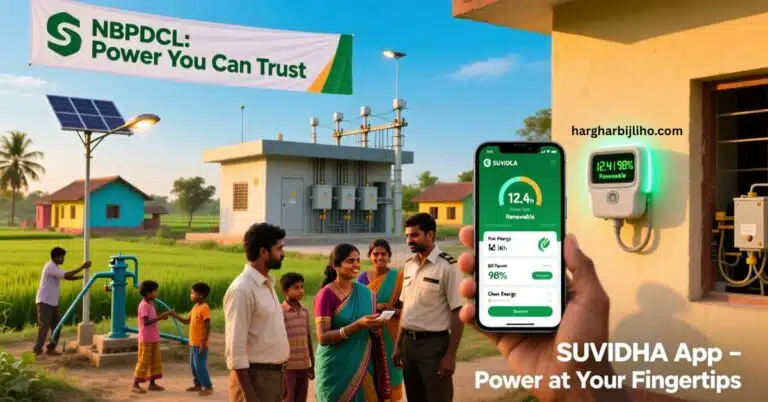
The SUVIDHA App is a great tool you should download. It puts all important electricity services into one mobile app. When you get the SUVIDHA App, you can avail Electricity Services even when you are out. This means you can check your bill, pay it, and do other consumer tasks from your phone. This freedom helps you manage your account easily even when you are busy. You can download the app right now to start managing your services better.
1.3 Paying Through National Systems
NBPDCL works with national payment systems. This gives you many ways to pay. You can make payments using Bharat Bill Pay. This system is widely trusted. It lets you pay many different household bills in one place. Using Bharat Bill Pay simplifies how you handle your money each month. It makes paying your electricity bill simple.
Managing Smart Meters and Prepaid Power
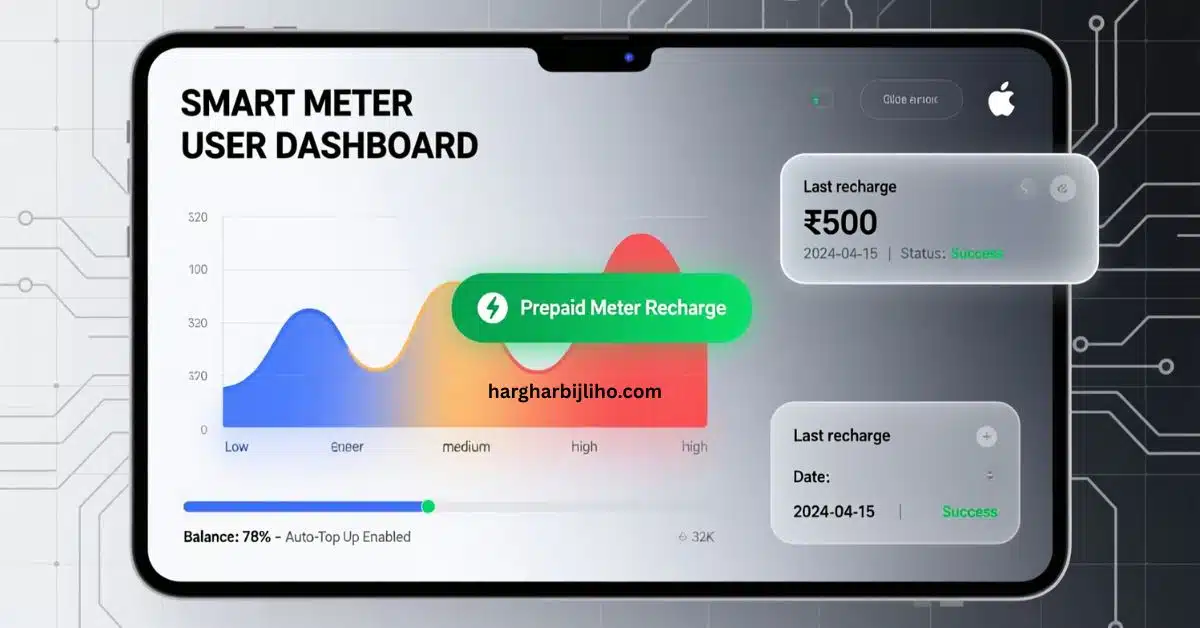
New technology is helping us use power better and control costs. Smart Meters are a big change. They give customers a clearer look at their power use. NBPDCL has special services just for customers who have a Smart Meter at their place.
2.1 Services for Smart Meter Users
If you are a Smart Meter user, you get special Smart Meter Consumer Activities. You can find these payment and service options by clicking the special link on the website. This dedicated service gives you features that work best with the Smart Meter system. You can keep track of your energy use and manage your account very exactly when you use these tools.
2.2 Recharging Your Prepaid Meter Online
If you use a prepaid meter, you must keep your balance charged to keep the power on. NBPDCL makes it easy for you to do your Prepaid Meter Online Recharge. You can quickly add money to your meter. This makes sure you have power without stopping. This online way to recharge is simple to use and available whenever you need it. You stay prepared for your power needs when you use this simple feature.
Help for Customers and Filing Complaints
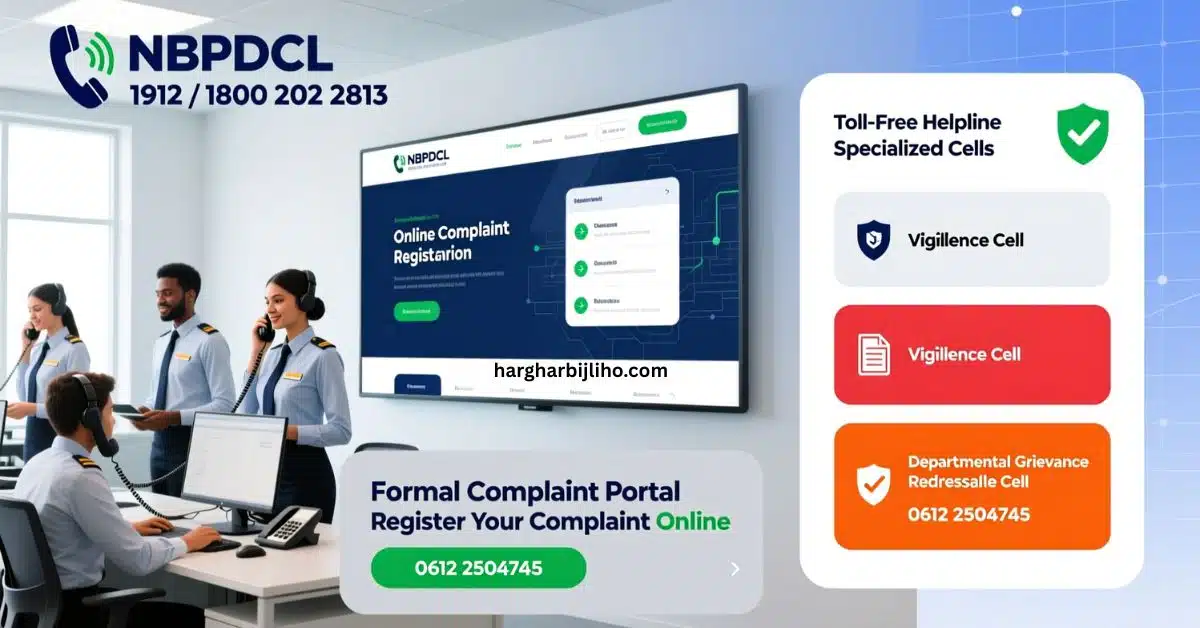
Sometimes you have a question or a problem that needs fixing right away. NBPDCL provides clear ways for you to get help and solve any issues with your power service or bill.
3.1 Your Direct Contact for Help
The fastest way to get help is by calling the Toll Free Helpline Number. You can call 1912 or 18002022813 to talk to a person. These numbers connect you fast to support. Use them if your power goes out, if you have a bill question, or if you need quick facts. You should save these numbers so you can call for help right away.
3.2 How to File a Formal Complaint
If you have a formal complaint you need to record, you can use the Online Complaint Registration service. This makes sure your problem is officially noted and tracked until it is fixed. You use this system to clearly explain the issue and give all your account details.
The company also has a set Channel of Complaint. This clear path makes sure your problem goes to the right people to be solved quickly. You also have access to the Consumer Grievance Redressal System CGRF. This system is for fixing formal disagreements. You send your case to the CGRF when your issue needs an official and deeper look. You take a formal step to fix the problem when you use the CGRF system.
3.3 Special Teams for Grievances
For certain kinds of problems, NBPDCL has special teams. You can contact the NBPDCL Vigilance Cell for issues about bad practices or corruption. The phone number for the Vigilance Cell is 0612 2504745. For company issues or problems needing a team review, you can call the NBPDCL Departmental Grievance Redressal Cell. Their number is also 0612 2504745. You make sure your complaint reaches the correct office when you use these special numbers.
Key Services for Your Account and Home
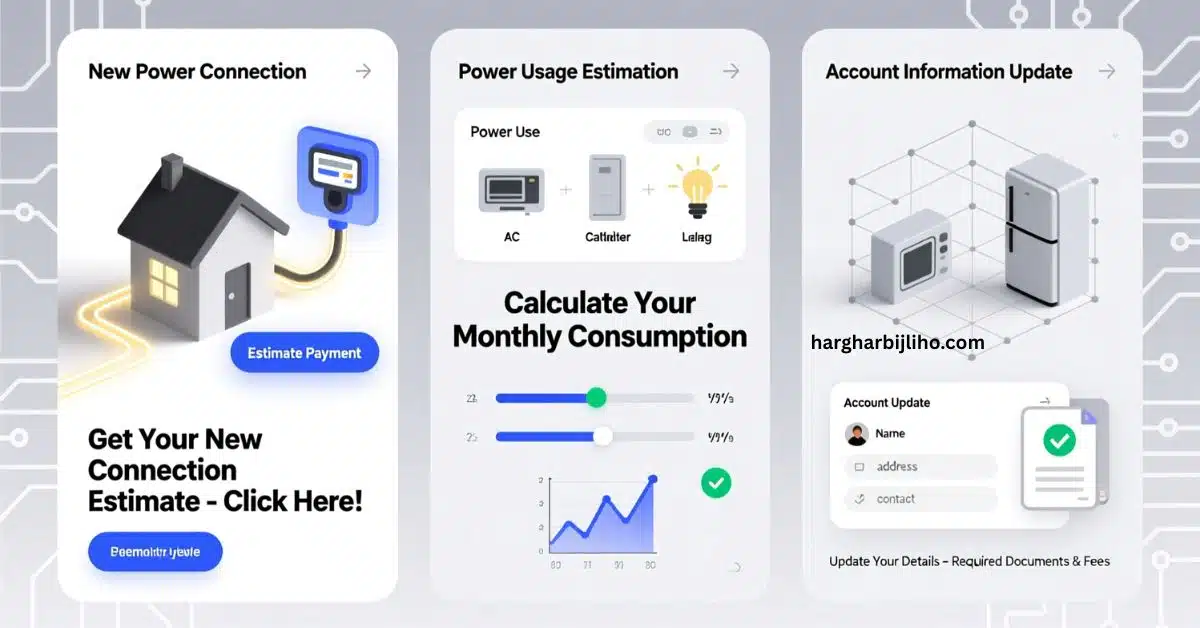
Besides paying your monthly bill, you might need other services. These include setting up a new power connection or changing your account details. The NBPDCL website gives you clear steps and tools for these common needs.
4.1 Getting a New Power Connection
If you move to a new place or set up a new building, you need to ask for a New Service Connection. The website gives you clear New Connection Guidelines to follow. You should read these rules to know what steps and papers you need. The website also has a special link for New Connection Estimate Payment. This makes the first payment step easy when you set up your power.
4.2 Finding Out Your Power Use
Knowing how much power you might use helps you control costs and plan your usage. NBPDCL offers helpful tools called the Load Calculator and the Consumption Calculator. You can put in details about your home machines and how many hours you use them. The tools then guess your power load and total consumption. You gain better control over your monthly spending when you use these tools to guess your power needs.
4.3 Changing Your Account Information
If your personal details or home information changes, you need to make sure your electricity account is correct. The steps for changing the name on your account or changing the connection details need certain papers and fees. You should check the details for Requisite Fees For Mutation or Change of Name on the website. You keep your account legal and correct with the company when you keep your customer details up to date.
Important Rules Subsidies and Power Plans
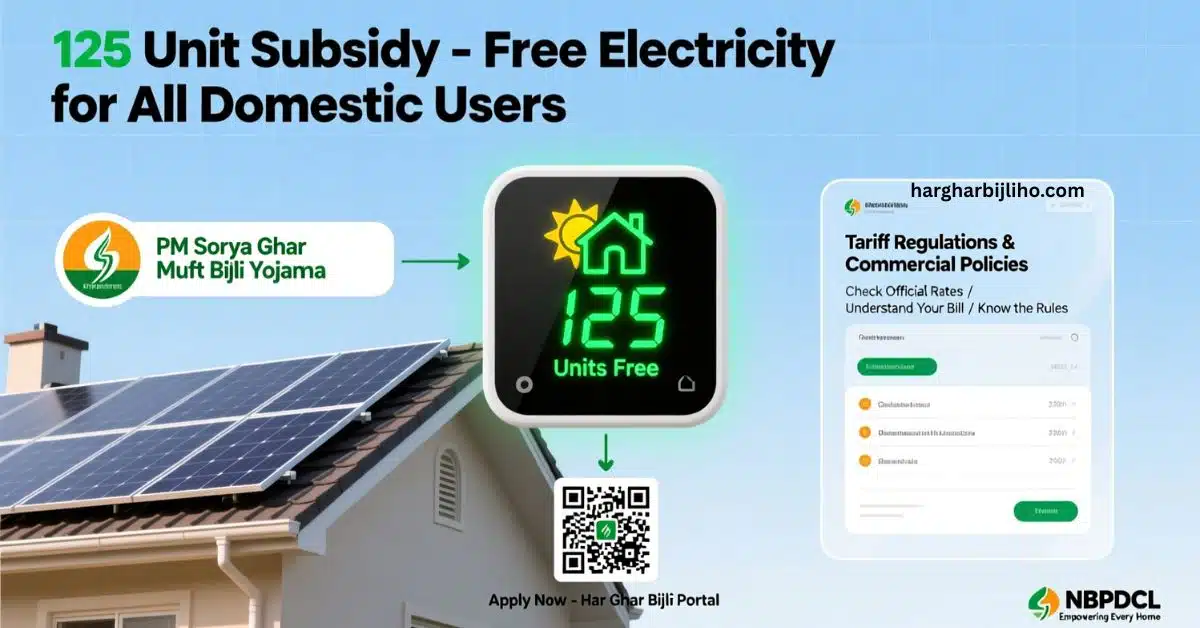
It is important for every customer to know about government plans and company rules. NBPDCL clearly shares information about prices subsidies and energy policies.
5.1 Learning About the 125 Unit Subsidy
A major help for home users is the big subsidy from the government. The company states that all domestic consumers get free electricity with a full subsidy for up to 125 units each month. This is a great plan that lowers the price of electricity for families. You should look at your monthly power use to see how much this subsidy saves your household money. This plan helps customers by lowering the cost of basic electricity use.
5.2 Looking into Solar Power Options
NBPDCL is helping people switch to solar energy. You can find information and application links for the PM Surya Ghar Muft Bijli Yojana PMSG. This plan encourages people to put solar panels on their roofs. You can click the link for private premises rooftop solar panel application to start using solar energy. There is also a place online where you can check the status of your solar panel application. This is for applications made under the Har Ghar Bijli Portal. You help support clean energy and can lower your long term costs when you look into these solar options.
5.3 Checking Company Rules and Prices
You can read all the detailed price and business information on the website. If you want to know how the rates are set, you can check the Tariff Regulations. This section clearly shows the prices for different types of customers. You can also read the Applicable Policies and Commercial Information to know all the rules of the service. You make smart money choices when you understand the official price list.
Read: NBPDCL Online Services: Pay Bills, Apply for New Power, Use SUVIDHA App
Conclusion
NBPDCL gives you a full set of online tools to make your time as an electricity customer simpler. You can check pay and print your bijli bill right away online or with the SUVIDHA App. You can quickly add money to your prepaid meter or use special services for your smart meter. If you need help, you can call the toll free numbers. You can also file formal complaints using the online systems like the CGRF. By using the Calculators and knowing about the 125 unit subsidy, you manage your power use well and wisely. You take complete control of your electricity services when you actively use these online tools.
Frequently Asked Questions FAQs
1. How do I pay my NBPDCL electricity bill online
You can pay your bill using the View and Pay Bill option on the NBPDCL website or use the SUVIDHA App. Both ways let you make a quick and safe Instant Payment. You can also pay using Bharat Bill Pay.
2. What should I do if I have a problem with my service
You should call the Toll Free Helpline Number at 1912 or 18002022813 for fast help. For official issues, you can use the Online Complaint Registration service or the Consumer Grievance Redressal System CGRF.
3. Is there government help for home power users
Yes there is. All home users can get a full subsidy for up to 125 units each month. This means they get free electricity for that amount of power use.
4. Can I ask for a new electricity connection online
Yes you can. The NBPDCL website provides New Connection Guidelines. It also has a service to ask for a New Service Connection online. You can also pay the first needed New Connection Estimate Payment on the website.
5. Where can I find the official power prices
You can find the official price list by looking at the Tariff Regulations section on the NBPDCL website. This clearly shows the prices that apply to you.
About the Author